

Screensavers for everyday situations
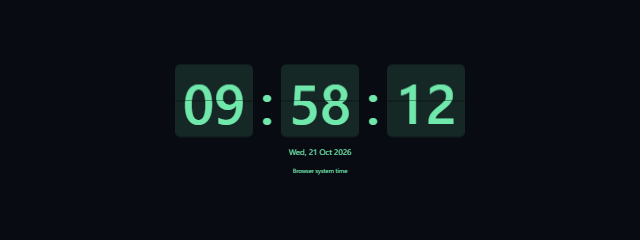
- To keep the time visible: Choose the Digital Clock Screensaver for a readable clock with theme, timezone, date, and time-format options, or the Flip Clock Screensaver for a distinctive flip-style display.
- For a simple ambient animation: Start the DVD Logo Screensaver to show a bouncing, DVD-inspired badge.
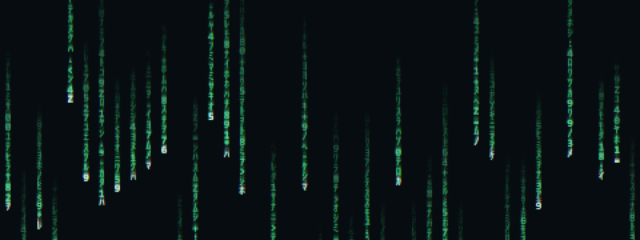
- For a customizable stream or waiting-room backdrop: Use Matrix Rain Screensaver and adjust the speed, density, character size, and color.
- For a retro intermission screen: Try TV Static Screensaver for restrained animated television-style noise without audio.
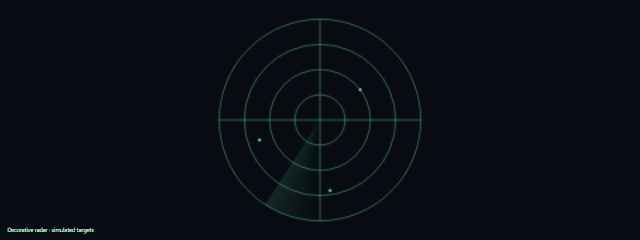
- For a sci-fi-inspired idle display: Set up Radar Screen, a decorative radar grid with a sweeping animation and optional simulated targets.
How to choose
Pick a clock when the display needs to be useful as well as decorative. The Digital Clock Screensaver offers choices such as timezone and date format, while the Flip Clock Screensaver focuses on showing the time in a large flip-style format.
For motion without a prominent time display, choose the visual style that suits the space: a bouncing badge, falling characters, television-style static, or a radar animation. Matrix Rain lets you adjust several aspects of its appearance; TV Static is a restrained, audio-free option.
Radar Screen is decorative, not a way to detect real objects or locations. These Screensavers are intended for idle displays, streams, and waiting areas, so consider how much motion and visual detail fits your setting.